
Everything you need for bookings. Nothing that slows you down.
See how guests book, what your team manages and why pitches, accommodation and rentals can finally share one clear system.
Everything you need, nothing you don't
For operators, not software fans.
Optional on request
Calendar Sync (€19.90/month), the full Channel Manager (€79.90/month per business or location) and AI chat (€19/month) are bookable in your admin area — details below. Custom work from €150/hour or fixed price based on scope.
 Keep it Simple Booking
Your booking system in your pocket — just like an app.
Install KISB directly on iPhone, iPad or Android. It opens in its own window, takes you straight to management and stays up to date automatically.
Add it to your Home Screen
On iPhone and iPad use Safari: Share → Add to Home Screen. On Android choose Install app in the browser.
Updates arrive automatically
New versions are prepared in the background. You choose when to reload, so no booking edit is interrupted.
Manage bookings wherever you are
Check availability, arrivals and departures and work with reservations from your phone or tablet.



Four reasons not to settle for generic booking software.
KIS brings together workflows that camping sites and mixed accommodation businesses actually use — in one coherent system instead of a patchwork of tools.
The site map is part of the booking flow
Arrange pitches and parcels visually on your map. Guests can choose an available preferred pitch instead of booking only an abstract category.
Camping and accommodation in one system
Manage pitches, glamping, apartments, rooms and houses through the same calendar and booking link — without a separate tool for every type.
Optional AI chat inside the KIS ecosystem
The guest assistant answers common questions about your offer and prices around the clock, with clearly defined access and privacy boundaries.
Clear enough to use without a course
Quick start, guided tours and a real live demo help you set up your system yourself. Questions? Write to us and we reply in writing.

Pitch selection on the site map
Guests see where they will stay and pick their spot themselves.
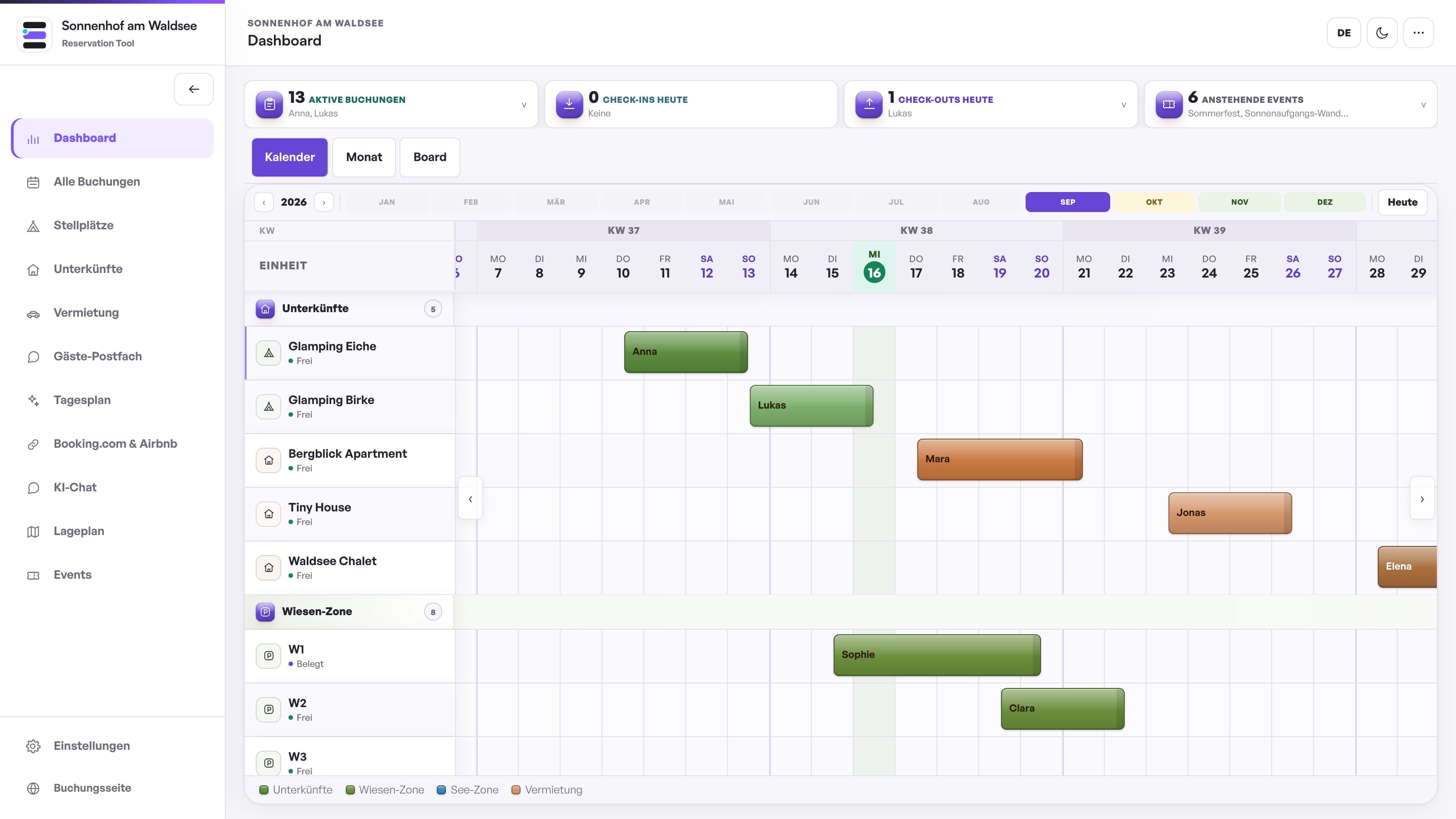
Occupancy at a glance
Every unit, every booking, one screen — on your phone too.

Prices and availability
Seasonal rates, minimum nights and occupancy — calculated automatically.
Less admin. More time for your guests.
We keep improving KISBooking to help with bookings, administration and staying in touch with your guests.
A real live demo, not a slide deck
Try the guest view and management yourself — without an appointment, registration or a prepared sales presentation.
Improvements without upgrade pressure
Improvements to the shared KIS system are rolled out centrally and are included in every active subscription. No downloads and no paid version upgrades.
Start and switch independently
Set up your system yourself and import existing bookings from CSV with a preview. Questions? Write to us and we reply in writing. Monthly cancellation keeps your decision flexible.
The latest improvements
Explore a selection of recently released improvements and see how they help in your daily work.
Guest documents together, easier to use on your phone
Guests can find their available check-in, registration, house rules, payment and invoice links together under My stay. On your phone, tap a calendar day to see full guest names, arrivals and departures. Larger controls make settings easier to use.
Mileage allowance per vehicle
Optionally set for each vehicle how many kilometres the rental price includes: unlimited, per day or for the whole rental, plus the price per extra kilometre. Your customers see this before booking. At return, you enter the odometer reading and the extra kilometres are added to the booking and invoice.
Prices for adults, children and dogs
Set included guests and prices for additional adults, children and dogs. Bookings calculate these together with selected extras. After a booking change, you can see the amount still to collect or refund.
Improvements to the existing system reach you automatically. Optional add-ons are clearly marked.
Your experience helps KISB grow
You know your daily operation best. Send us ideas and improvement suggestions at any time. We review every submission and prioritise improvements that make everyday work easier for several businesses.
A submission is not yet a promise of implementation or a fixed date. Improvements to the shared system are delivered automatically with every active subscription.
Set up your system yourself. At your own pace.
No appointment, no sales call: try the demo, watch the short videos and start when it suits you. With a 30-day money-back guarantee.
- 1
Try it
The live demo with sample data, no sign-up: booking page and admin.
Open live demo - 2
Watch
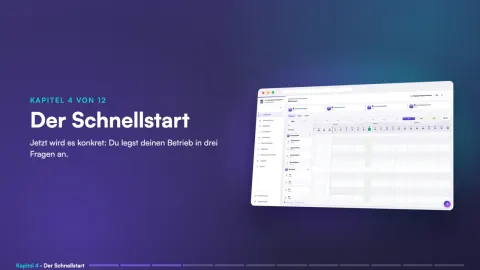
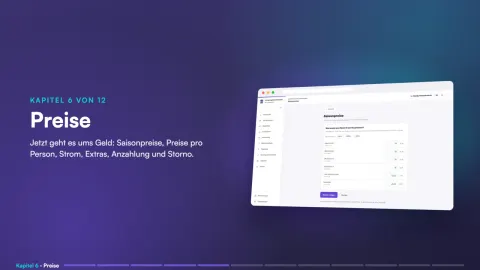
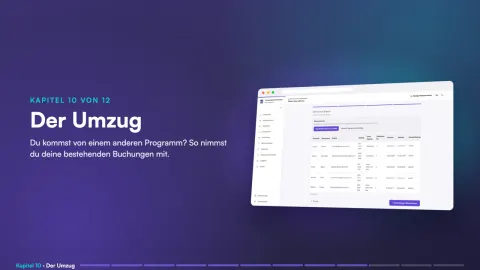
The guide in short videos, from quick start to moving over from your old software.
Watch all videos - 3
Get started
Cancel monthly, setup is currently free. You set up your system yourself, step by step.
Get started
Prefer writing? Send us a message
We reply by email, usually within one working day.
Already have a system and a problem? Please use “Report a problem” on the support page. That way your message reaches the right place. Go to the support page